Managing OTA Firmware Updates for Connected fleets
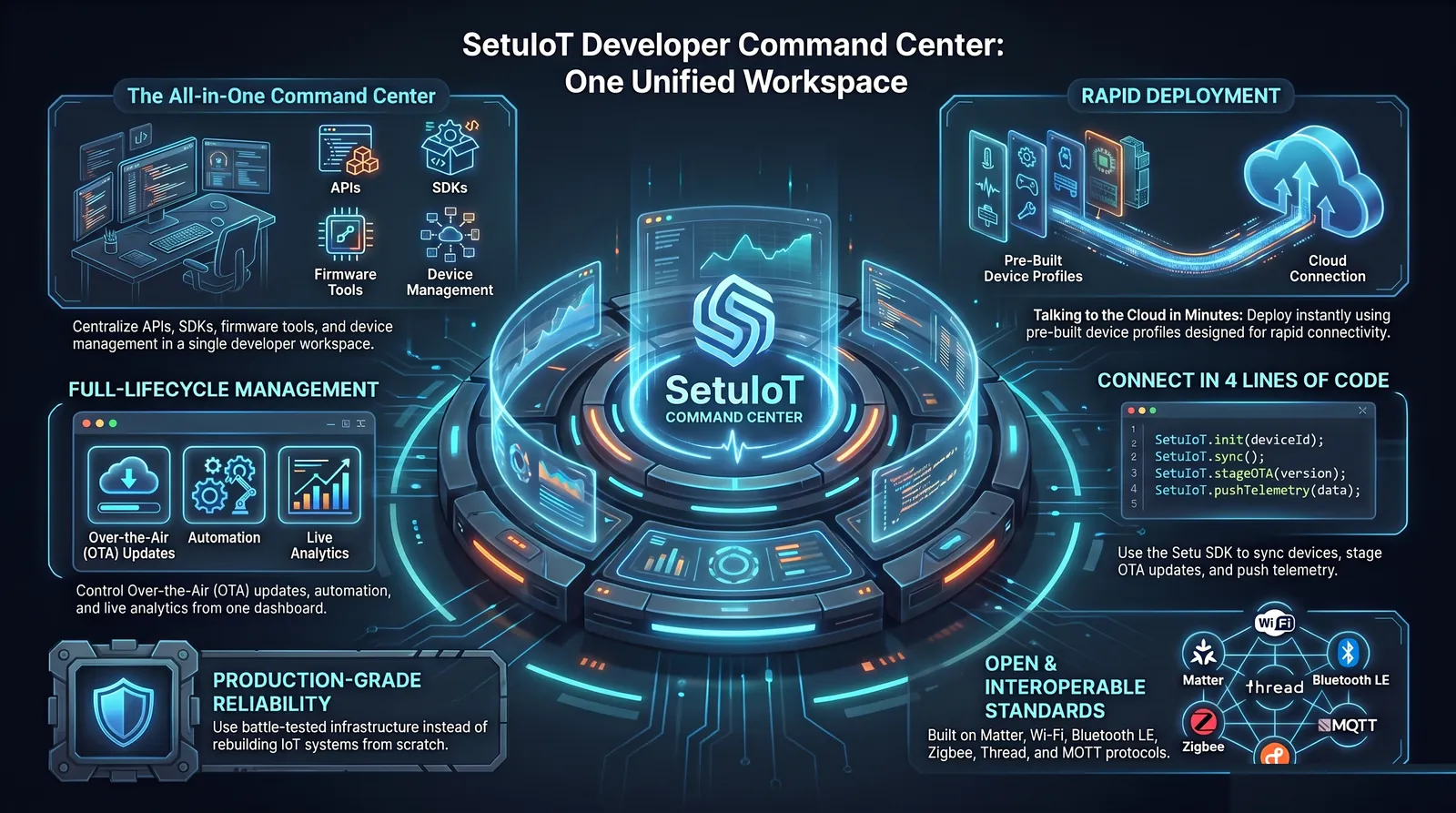
Deploying software code to cloud servers is easy: if a bug occurs, you rollback in a few seconds. Deploying firmware updates to physical microchips located in thousands of smart switches, industrial sensors, or home appliances across the world is a different challenge.
If an OTA update fails or contains a critical bug, you can block device connectivity entirely. Recovering a "bricked" hardware device often requires physical replacement or manual flashing using a JTAG connector, which incurs massive service support costs.
The Anatomy of a Safe OTA Protocol
To prevent device failures, modern IoT architectures implement a series of fail-safe layers:
1. Dual-Partition Partitioning (A/B Routing)
Never write firmware updates directly to your active partition. Instead, partition your microcontroller's flash memory into two slots: **OTA_0** and **OTA_1**.
If the device is actively running on OTA_0, the new update is downloaded to OTA_1. Once downloaded and cryptographically verified, the bootloader changes a flag and reboots the device into OTA_1.
2. Self-Testing & Automatic Rollbacks
How does the device know if the update succeeded? In a fail-safe configuration, after booting into the new partition, the firmware must perform a "self-test" (e.g., verifying it can successfully establish connection to the cloud broker and read sensors).
If the device fails to contact the server within a set timeframe (e.g., 5 minutes), the bootloader assumes the update is broken. It automatically rolls back, re-writing the flag and rebooting into the previous partition (OTA_0).
3. Staged Rollouts (Canary Releases)
Never update your entire fleet of 100,000 devices at the same time. The best practice is to deploy in progressive stages:
- Alpha / Developer Ring (1%): Deploy to internal developer devices.
- Beta Ring (5%): Deploy to select early-access users.
- Production Ring (Canary - 10%): Deploy to a random subset of production units and monitor crash logs for 24 hours.
- General Production (100%): Gradual automated rollout over 3-5 days.
OTA Fleet Management with SetuIoT
SetuIoT natively handles this complex staging and partitioning layer:
- Developers upload signed firmware binaries directly in the Setu Developer Console.
- The platform targets specific hardware models, batch versions, or geographical regions.
- Our embedded SDK automatically handles dual-partition downloads, hash checks, bootloader flag rotation, and watchdog rollbacks.
Summary
Over-the-air firmware updates are essential for fixing software bugs, adding features, and patching security vulnerabilities over a product's lifecycle. However, they must be deployed with robust, defensive engineering structures. Using a managed platform like SetuIoT ensures that every firmware update is risk-free, protecting your hardware devices.
Upgrade your firmware delivery pipeline
Start testing fail-safe OTA rollouts on ESP32 or STM32 platforms with SetuIoT developer tools.